How to Read a K-pop Comeback Calendar: Teasers, Releases and Showcase Clocks
Turn a promotional schedule into a source-linked plan: distinguish content drops, music releases, viewing events and actions, with historical TWICE and TXT examples.
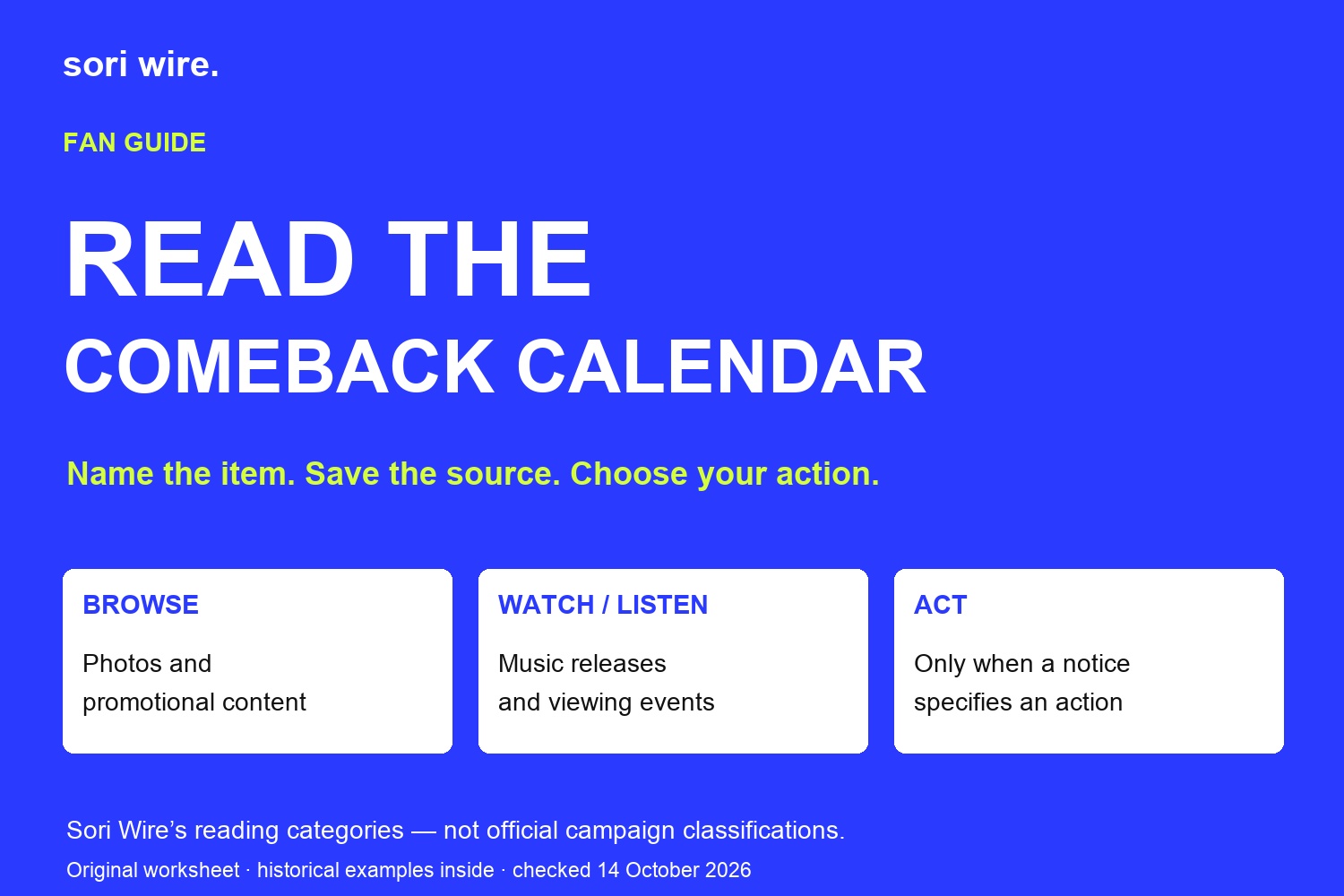
A comeback calendar looks like a promise of everything arriving next. In practice, it is a collection of different things: pictures to browse, music to hear, videos to watch and sometimes an event with its own access instructions. The useful question is not just when something appears, but what you can actually do at that moment. This guide gives you a source-linked worksheet for turning a promotional schedule into a manageable personal plan. TWICE and TOMORROW X TOGETHER provide explicitly historical examples; none of the dates below announces a new comeback or an open event.
At a glance
- Name the event
- A pre-release single, album release and showcase can have different dates or clocks.
- Keep gaps honest
- Time not stated means unresolved; do not borrow another campaign’s schedule.
- Viewing format
- A YouTube Premiere is shared viewing of an uploaded video, not necessarily a live performance.
- Examples
- The TWICE 2024 and TXT 2025 notices are historical teaching examples.
In this guide
Read the event name before saving the date

Start by pairing each date with the exact object it describes. An album title can appear on a teaser, an order page and a live-show announcement without making those three entries interchangeable. Your calendar label should say what changes at that time: a picture becomes available, ordering opens, music is released or a broadcast begins. Keeping the original event name alongside your plain-English label makes it easier to trace a misunderstanding later.
TWICE’s official I GOT YOU discography entry demonstrates the distinction. It identifies a February 2, 2024 pre-release single and separately describes a February 23 mini-album release. Those are two music milestones, not conflicting dates for a single event. We use this archival example to show why a fan should keep the song and album labels attached to their dates. The artwork here is the official single cover, not a new photograph or a current promotional announcement.
Our suggested first pass is deliberately small. Write the artist, release title, item label, date and source URL before choosing a reminder. If the item label is unclear, leave it unclear in your note rather than resolving it from a familiar pattern. A group’s previous campaign can help you recognise a format, but it cannot supply this campaign’s missing information. A concise note that preserves a question is more useful than an impressive calendar filled with assumed activities.
Separate content drops from actions you need to take
A picture drop and an application deadline ask different things of you. One is content you may enjoy after it appears; the other may require action within a stated window. Our worksheet uses three reader-defined categories: browse, watch or listen, and act. These are Sori Wire’s organisational labels, not categories officially assigned by an artist or a platform. You can change them to fit the way you follow a comeback.
For a concept image, your personal action might simply be to check the original post later. For a preorder opening, it might be to compare the announced item with your budget and decide whether to order. An opening does not automatically mean you must buy immediately. Likewise, seeing a picture labelled with an album version does not establish stock, a purchase benefit or a shipping date. Those conditions belong to the relevant product or event notice.
This distinction helps when a campaign has many entries. Instead of making every promotional post an alarm, choose reminders for activities you actually want to catch. Put optional browsing in a separate list. That is a planning recommendation, not a claim that missing a teaser has any effect on your fandom status, access or eligibility. The goal is to reduce noise while preserving the exact source for any decision that matters to you.
One comeback can have several independently announced clocks
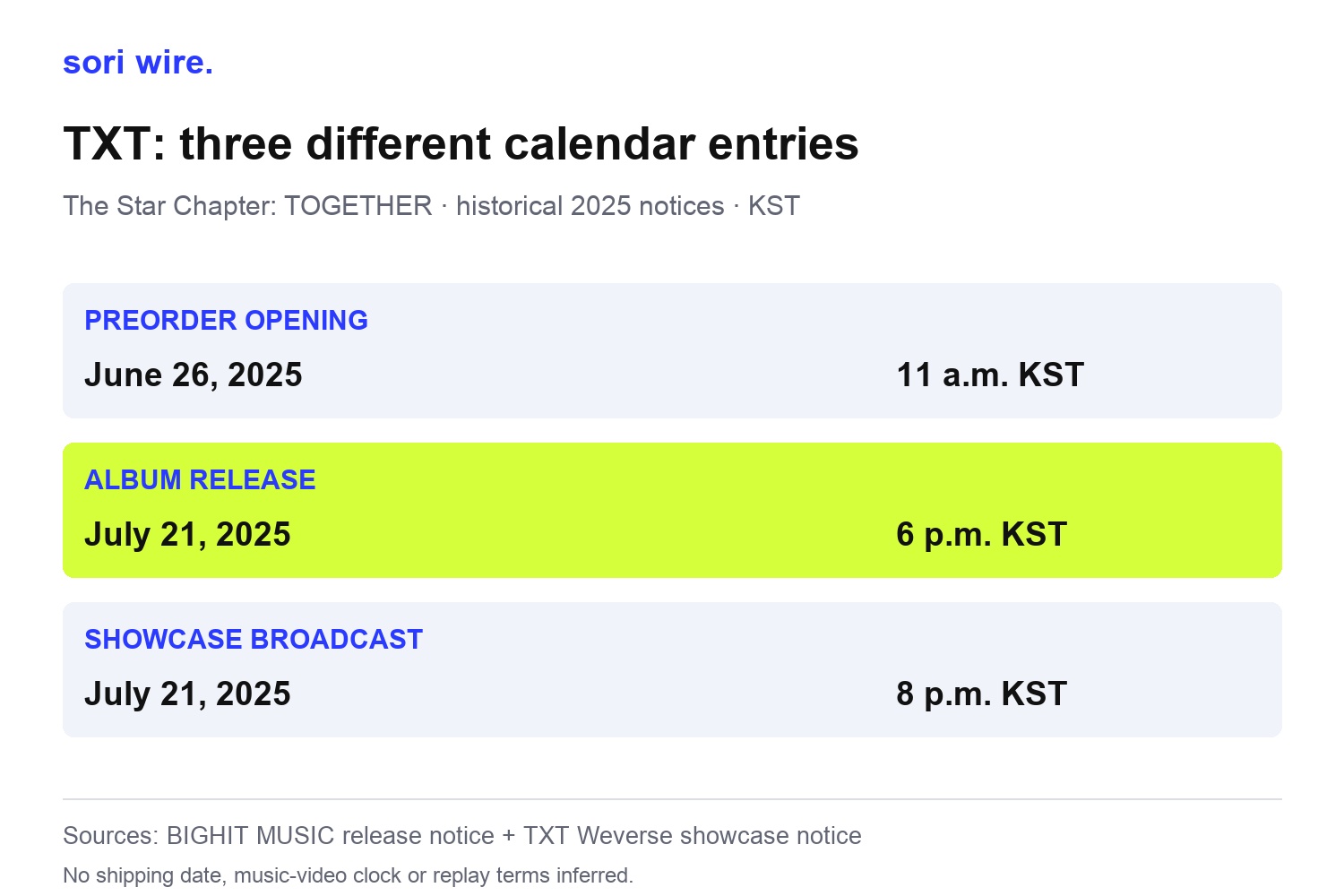
TXT’s archived The Star Chapter: TOGETHER notices make the distinction concrete. The release notice lists a preorder opening on June 26, 2025 at 11 a.m. KST and an album release on July 21 at 6 p.m. KST. A separate showcase notice lists July 21 at 8 p.m. KST. Keeping the notices separate prevents the later broadcast time from replacing the music-release entry in your own plan.
Our example table uses only those announced fields. It does not supply an unannounced music-video time, a shipping estimate or the complete teaser timetable. The blank spaces are intentional. A useful calendar records the information that exists and leaves room for later notices, rather than filling every gap with an expected sequence. In particular, a promotional calendar and an order confirmation answer different questions even when they carry the same album title.
Create one entry per activity you intend to follow, and give each entry its own source. If two items share a date, keep their event labels visible in the reminder title. You can group them under the same comeback in your notes without merging their times. This makes the calendar easier to update when one organiser publishes additional details. The archival example explains the method; it does not imply that every TXT release or every other artist uses these hours.
Read the chart as a table
| Historical item | Announced date and time | Source |
|---|---|---|
| Preorder opening | June 26, 2025 · 11 a.m. KST | BIGHIT MUSIC release notice |
| Album release | July 21, 2025 · 6 p.m. KST | BIGHIT MUSIC release notice |
| Showcase broadcast | July 21, 2025 · 8 p.m. KST | TXT Weverse streaming notice |
A video Premiere is not necessarily a live performance
YouTube’s official help describes a Premiere as shared real-time viewing of a new video. Its watch page can be public before the event begins, and viewers can set a reminder there. The scheduled start begins the chosen countdown; the video follows that countdown. This is why seeing a public video page does not by itself mean that the whole video is already available to watch.
For your calendar, copy the particular watch page and label the item as a Premiere when that is what the page says. Keep a separate live-show entry if an artist or organiser announces one. Do not assume that a Premiere contains live camera footage, or that its start is identical to the album’s release time. Those are claims about different things. Check the announcement for each rather than using the shared word comeback to collapse them.
YouTube also explains that the video remains as a regular upload after its Premiere. That platform behaviour should not be extended to a separate showcase or paid livestream. Our recommendation is to keep a viewing note with the event type and the official destination, then check the relevant organiser’s replay information if you cannot attend. This guide does not promise a replay for the historical TXT showcase or investigate the present availability of its recordings.
Leave unresolved details visible instead of borrowing them
An announcement can be correct and still incomplete for your particular decision. A release date tells you when the announced release occurs; it may not explain a retailer’s delivery process. A showcase time tells you when the broadcast is scheduled; it may not tell you how to attend in person. The right next step is to look for the linked detailed notice, not to reuse conditions from another artist or another event.
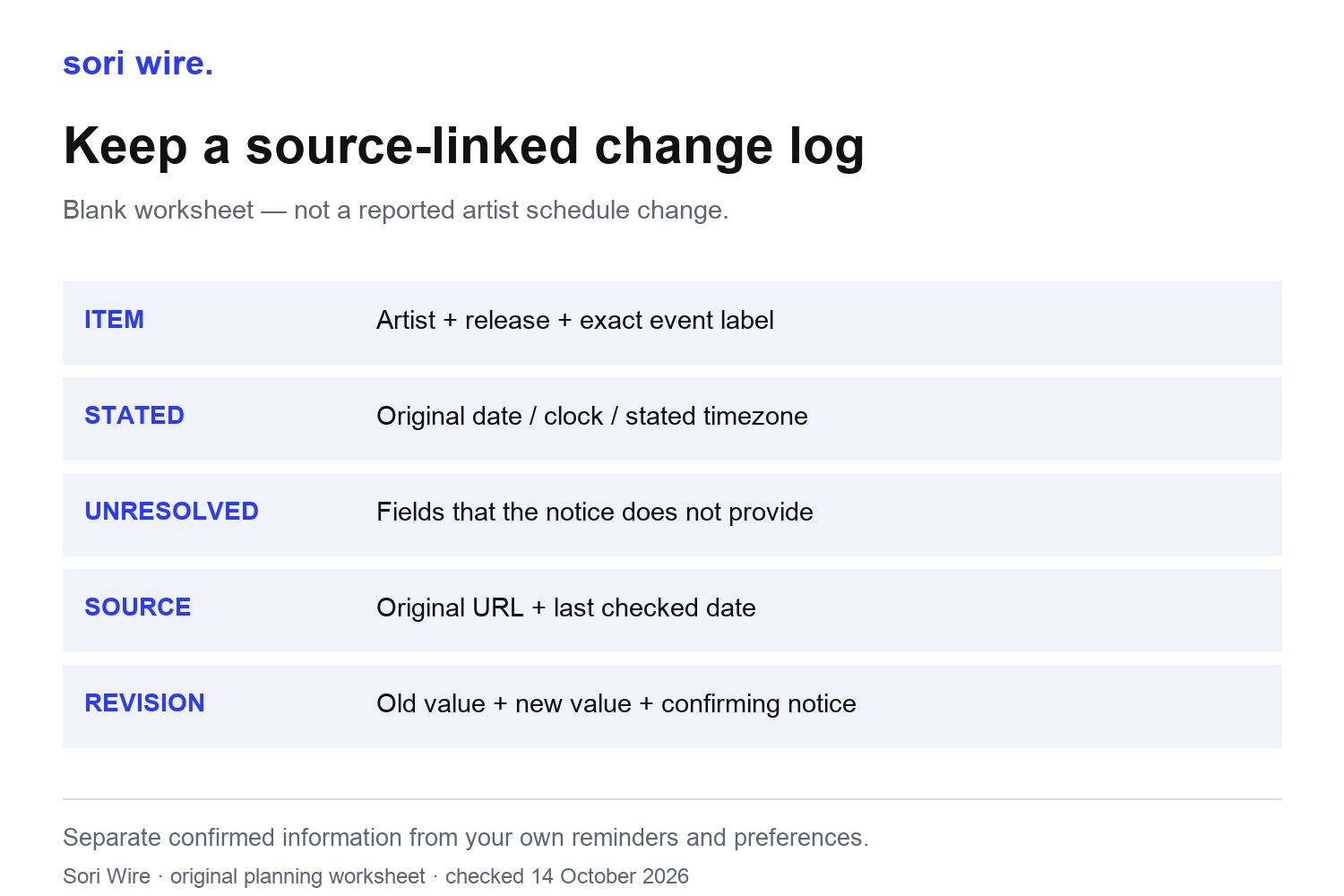
Use a simple distinction in your source notebook: stated, not stated, and my preference. Stated contains the exact event information you can point to. Not stated contains the fields still missing. My preference contains your own reminder choice or viewing plan. Keeping these columns separate prevents a convenient personal setting from becoming something you tell friends the organiser announced. It also gives you a clear reason to revisit the source later.
If the notice provides only a date, keep a date-only entry and mark the clock as unresolved. If it provides a clock without an explicit timezone, do not quietly attach KST just because the artist is Korean. Return to the original event context for clarification. Our separate release-time guide covers conversion; this worksheet starts one step earlier by establishing which event and which stated timestamp you would be converting in the first place.
Update the affected entry, not the whole campaign
When a new official notice appears, compare like with like. First ask whether it describes the same item as your saved entry. A new order page, a broadcast notice and a teaser post can all concern one album while adding different information. Do not treat a later publication date as proof that an earlier event date has changed. The event sentence and its scope matter more than the order in which you discovered the posts.
Our change log is a blank editorial worksheet, not a report of an actual postponement. Save the previous value, the newly stated value, the confirming URL and the date you checked it. If there is no clear replacement statement, leave the earlier source in place and note the unresolved difference. A post becoming unavailable is not enough by itself to establish cancellation. This approach records what you know without inventing a reason for a missing page.
Before sending an updated calendar to someone else, identify the specific entry you changed. Say that the showcase clock was clarified, for example, only when an official notice supports that statement. Avoid a broad comeback delayed headline when only a piece of promotional content has a revised date. The more precise your entry labels were at the start, the easier it becomes to make this comparison without rewriting your whole plan.
Make a calendar you can explain to another fan
Start a reusable note with one line for the artist and release, then a row for each activity you care about. Our suggested fields are item label, original date, original time, stated timezone, source URL, last checked date and personal action. These are an editorial workflow rather than additional information about the artists. You do not need a specialist app to keep them; a plain note or spreadsheet can preserve the same distinctions.
For a friend who follows a different part of the campaign, share the source-linked rows rather than only a collage of reminders. They can choose their own alarms while retaining the original event names. Include a visible historical label when using an old example, as this article does. A date without its year can make a useful reference look like a fresh announcement, especially when screenshots travel far beyond the conversation where they first appeared.
Finally, keep the plan proportional to what you enjoy. You can follow the release and skip every teaser, or browse the pictures without making a purchase. The worksheet does not prescribe spending, streaming targets or a required level of involvement. It gives you a way to distinguish confirmed content, actual action windows and unanswered questions. That is the practical value of a good comeback calendar: when a reminder appears, you can tell what it means, where the information came from and what you personally want to do next.
How this guide was made
Primary artist/label notices and YouTube Help checked October14 2026. Examples are historical, not currently open events. TWICE single artwork is unchanged official discography artwork, not event photography. Three original Sori Wire worksheets illustrate event classification, the explicitly announced TXT dates and a blank revision notebook. No missing teaser schedule, shipping terms, attendance, cancellation or replay availability inferred.