K-pop Light Stick Compatibility: App Updates, Seat Pairing and Stage Control
Check the device, app and event separately—with &TEAM’s October app transition and official TXT, TWS and BTS examples that keep support conditions in scope.
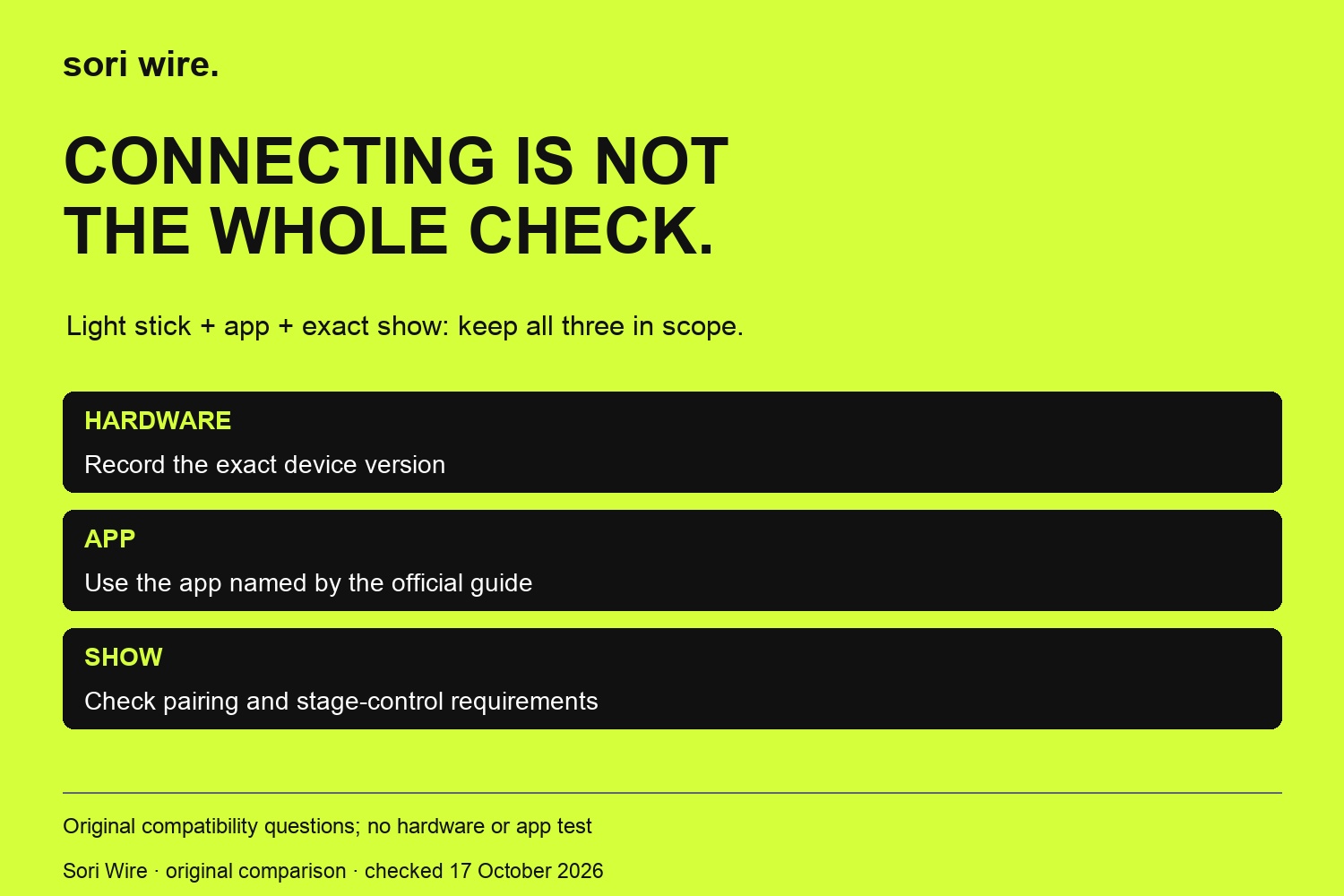
Your light stick connects to an app, so it should join the concert’s lighting effects—right? The official instructions do not always make that connection. Hardware version, app version, firmware and the particular show can answer different compatibility questions. This guide separates those checks using official TXT, TWS, BTS and &TEAM notices. The most timely example is &TEAM’s announced October 30, 2026 app transition: the notice supports both hardware versions in its new app while leaving a separate stage-control change to another announcement. We have not installed these apps or tested a light stick. Our comparison is a source-reading tool, not a product review.
At a glance
- Three checks
- Hardware, app connection and event wireless control are separate questions.
- &TEAM
- V1 app discontinuation starts October30,2026KST; the new app supports both hardware versions.
- Do not merge dates
- The &TEAM notice reserves Ver.2-only stage-control timing for a separate announcement.
- Event scope
- TXT MOA CON and TWS Seoul pairing instructions apply to their named events.
In this guide
Ask which kind of compatibility you mean
Begin with the question you actually need answered. Connecting a device to its app, updating its firmware and joining a concert-wide effect are related tasks, but an instruction for one does not automatically establish the others. Our worksheet separates hardware, software and show requirements so you can keep an official statement at the level where it belongs. It is an editorial reading framework, not a universal technical specification.
For example, an app notice can explicitly support more than one hardware version while a separate concert guide limits the stage effects. You should not replace that distinction with a simple works or does not work label. Record the exact model and the specific function the source describes. If the source does not settle your function, keep it as an open question rather than borrowing an answer from another artist’s guide.
This is useful before spending money or changing a setup you already use. First identify what you own, then compare it with the stated requirement for the event. A new version number alone is not a recommendation to replace your light stick. This guide supplies no price, stock check or shopping link recommendation. It explains how to establish the relevant conditions before making your own decision.
&TEAM’s app deadline is not a stage-control deadline
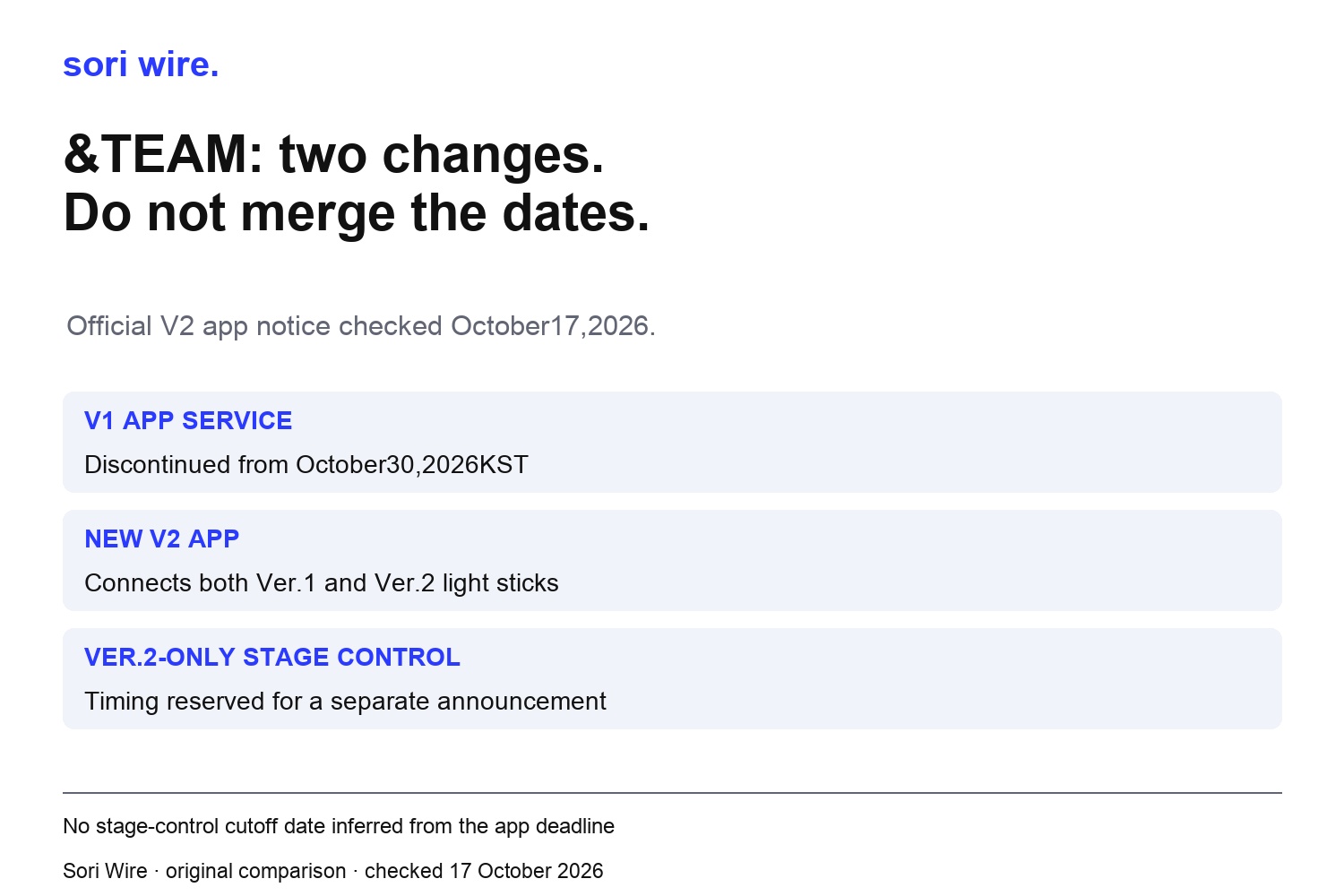
The &TEAM notice says the existing V1 mobile app will be discontinued from October 30, 2026 KST. It also says the new &TEAM Official Light Stick V2 app can connect with both Ver.1 and Ver.2 light sticks. Those are two explicit statements about the app transition. Neither should be rewritten as an announcement that the older hardware stops joining concert lighting on that same date.
The notice reserves the timing of Ver.2-only central stage control for a separate announcement. Our diagram leaves that field unresolved instead of assigning it October 30. This is the central distinction in the example: an announced software-service change and a hardware requirement for stage control need their own evidence. Keep the exact wording and the source link when sharing a summary with another fan.
If you own a Ver.1 device, the notice gives you a reason to inspect the new app information, not a basis for guessing the rules of your next show. Return to that show’s guide for its actual pairing and control requirements. We have not checked whether a later separate announcement has been issued beyond the inspected sources, and this article is not an exhaustive current support database for every &TEAM performance.
TXT’s MOA CON notice shows how a show-specific requirement works
The official 2026 TXT MOA CON guide describes seat-synchronised effects through Concert Mode in the TXT Official Light Stick Ver.2 app. It asks fans to update firmware and pair before visiting. It explicitly excludes Ver.1 from the wireless-control performance. We use that named event as a dated example, rather than extending its instructions to every TXT concert or every older device function.
That guide gives firmware version 1.3 as its latest version in the notice. We preserve that historical scope instead of telling readers that 1.3 must still be the newest firmware today. A saved guide can remain useful for understanding the process while its version reference needs checking against the current official instructions. Write the notice date and event name alongside a version number in your own preparation note.
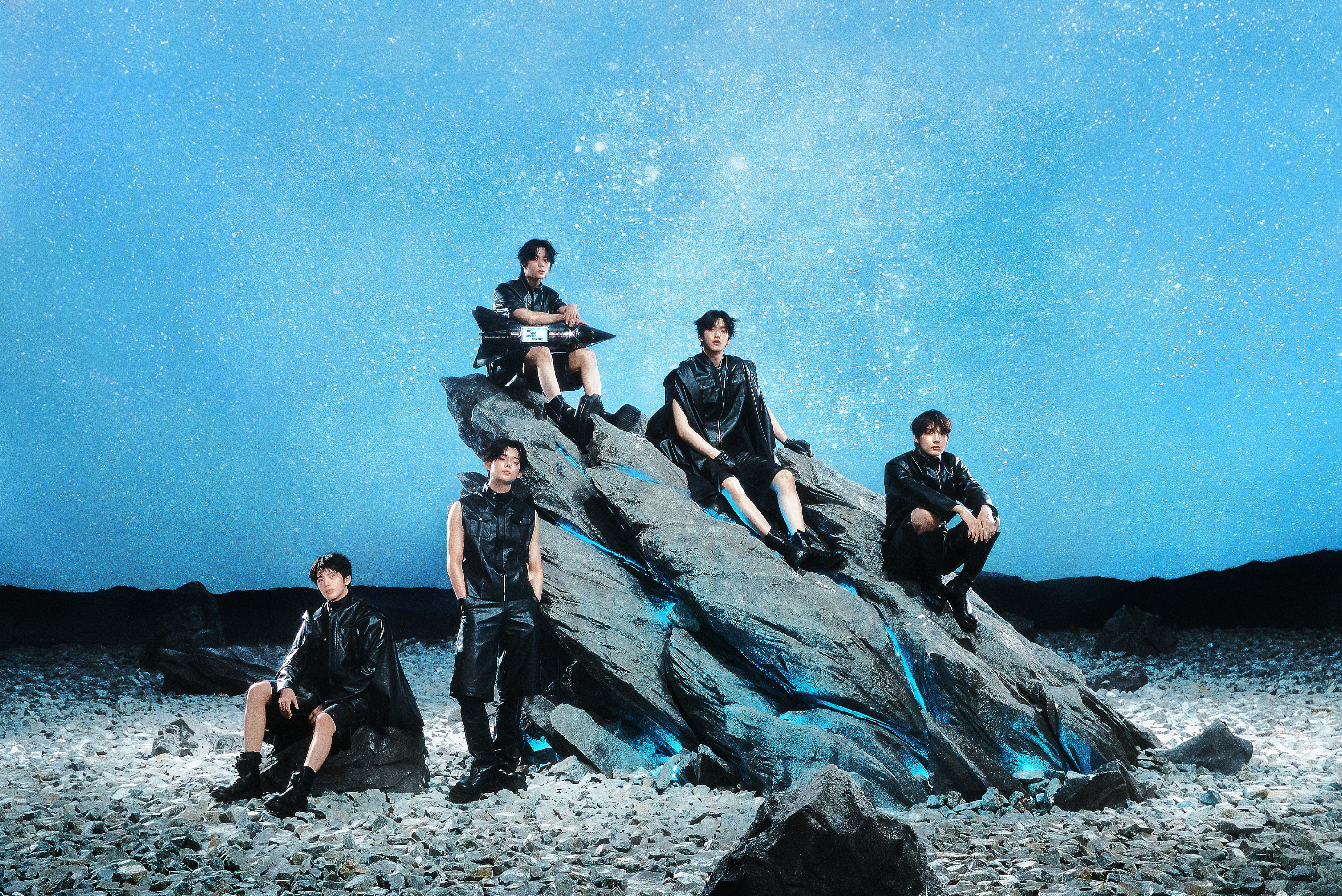
The TXT photograph here comes unchanged from BIGHIT MUSIC’s official artist profile. It is a representative group image, not photography from MOA CON and not an illustration of a light-stick product. The event notice establishes the setup requirements; the profile photograph identifies the artist example. Keeping those roles separate prevents an attractive image from seeming to demonstrate technical behaviour that we have not tested.
TWS’s Seoul guide links the app and seat setup for that event
The official TWS Seoul tour guide names the TWS Official Light Stick app and points readers to its Apple and Google store destinations. It describes Concert Mode and pairing with a seat before the concert. That is a useful example of starting from the artist’s actual notice rather than choosing an app only because its title looks familiar in a search result.
Our recommendation is to follow the store link from the relevant official source and compare the app name with that source. Do not use another group’s app instructions to fill a gap in this one. Likewise, an app’s existence does not establish that your phone, firmware or ticket details have been checked. We have not installed the software, accepted permissions or run a pairing session as part of this article.
For your note, keep a field for the exact event and another for the official app destination. Add the particular setup instruction the event gives, including whether it refers to your seat. If something does not match, consult that notice’s official help route. The TWS example does not provide a firmware number or a universal phone-compatibility promise, so this guide does not invent either one.
BTS’s support notice demonstrates why dates matter
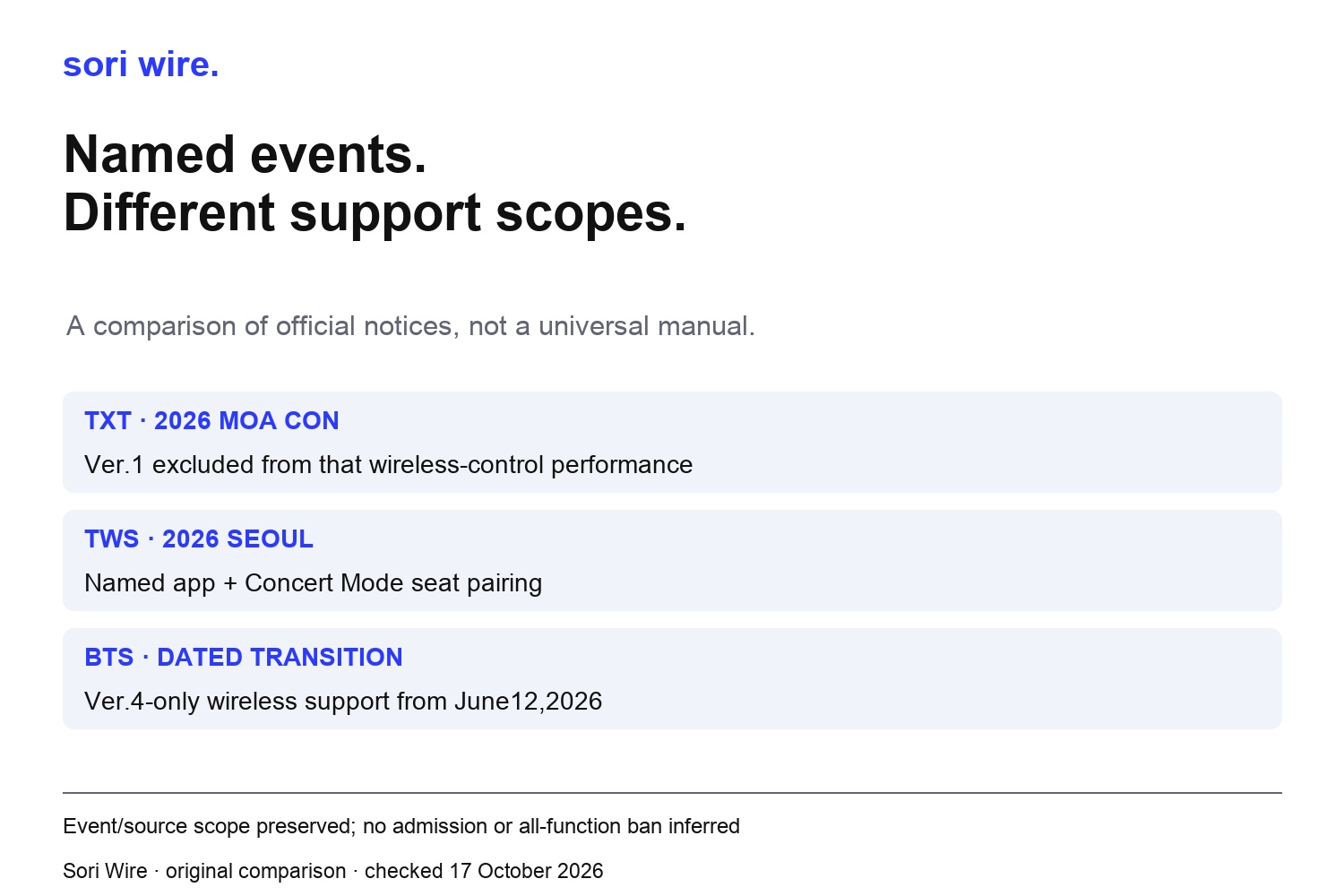
The BTS notice supplies a dated transition in wireless-control support. It names Ver.3, SE and Ver.4 support through the ARIRANG Las Vegas concert on May 28, 2026, then Ver.4-only support from the Busan concert on June 12 onward. Our comparison retains both endpoints. It does not manufacture a rule for the interval between them or present those past dates as a new upcoming sales announcement.
An important reading limit follows: wireless-control support is the function the notice discusses. Do not translate that into an admission ban or a claim that every other function of an older light stick has stopped. A venue’s permitted-items policy and a device’s ability to join a stage effect are different questions. The source must explicitly establish the particular conclusion before it belongs in your preparation record.
For your current show, look for its own relevant official guidance and any updates before relying on a saved comparison. This guide is not testing the whole BTS tour, predicting a future model or declaring a device defective. The example shows how an exact date and a named function make a support statement more useful than a timeless claim that one version is simply better.
Copy seat information from your ticket, not from a neighbouring fan
Seat pairing appears in the inspected TXT and TWS guides, while &TEAM’s app announcement says to consult the separate concert guide when pairing is required. Our suggested preparation note therefore starts with whether the specific event asks for pairing at all. Do not assume that every show uses an identical menu or requires the same information just because the apps share the phrase Concert Mode.
When an event tells you to use your seat, compare the fields with your own official ticket information. This is a reading recommendation, not a report that we entered a section or row into an app. Do not copy another attendee’s data simply to make a setup screen appear complete. A completed-looking screen is not evidence that your own device matches the correct event or seat.
If your ticket type or seat description does not fit the instruction, keep that issue open and ask the designated event support. Avoid adapting another show’s guide as a workaround. You can prepare the source link and the exact question without publishing a private ticket screenshot. This article does not collect attendee details or reproduce a functioning ticket barcode in its diagrams.
Make a hardware, app and show record before troubleshooting
Our original comparison table separates what each notice actually covers. Use the same approach for your own setup: hardware model, official app, any stated firmware requirement, exact event and the function you need. Leave fields blank when the inspected notice does not provide them. That makes an unanswered compatibility question visible instead of hiding it behind a generic ready label.
If you need help, describe the step that is unclear and link the relevant official guide. A problem choosing the app is different from a problem understanding the event’s requirement. Neither justifies declaring that a device is fake, broken or banned. Those conclusions require evidence beyond the notice-reading work performed here. We have not tested authenticity, battery performance, Bluetooth reliability or the safety of accessories.
Keep your comparison focused on verified requirements rather than a list of untested fixes. We provide no universal button sequence, battery recommendation, charging advice or permission bypass. The sources contain model-specific operational instructions; consult those exact instructions for your device. A practical guide should make the next official check easier to find, not replace the manual with improvised troubleshooting.
Read the chart as a table
| Official notice | Scope retained | Do not infer |
|---|---|---|
| &TEAM V2 app release | Both hardware versions connect; V1 app ends October30KST | Same date for Ver.2-only stage control |
| TXT MOA CON2026 | Seat pairing; event excludes Ver.1 wireless control | Every futureTXT show or newest firmware today |
| TWS Seoul2026 | Named app and seat-pairing instructions | A universal firmware or phone requirement |
| BTS Ver.4 support | Dated wireless-support transition | Venue entry rules or all functions of older devices |
Recheck the event instead of preserving an old shortcut
Before the show, reopen the official event guide and compare it with your saved note. Check that the model, app and event still refer to the same setup. If the notice asks for advance preparation, allow time to read and follow the supported steps. That is a planning recommendation; we cannot tell you how long an individual update will take or guarantee that a particular phone will connect.
For &TEAM, the inspected notice makes one distinction especially worth preserving in a reminder: the October 30 app discontinuation date is stated, while a hardware-only stage-control transition belongs to a separate announcement. For TXT, keep the MOA CON limitation attached to that event. For TWS and BTS, preserve the particular scope their own notices establish. Shared vocabulary does not make these four guides one interchangeable manual.
You can enjoy a light stick as part of following an artist without treating every new product name as an obligation to buy. The useful decision starts with what you already have and the actual function your event supports. Save the source, identify the missing field and resist filling it with an assumption. That gives you a clearer preparation plan while keeping the limits of this source-backed guide honest.
How this guide was made
Official notices checked October17 2026. Upcoming &TEAM app discontinuation and unconfirmed separate stage-control transition kept distinct. TXT MOACON firmware1.3 is the version stated in that notice, not asserted newesttoday. BTS historical endpoints preserved without gap inference. Representative official TXT photograph reused unchanged; not a concert or light-stick product photo. Three original comparison diagrams; no hardware, app installation, Bluetooth, battery, current stock or purchase test.